

Construction
finance without
the chaos.
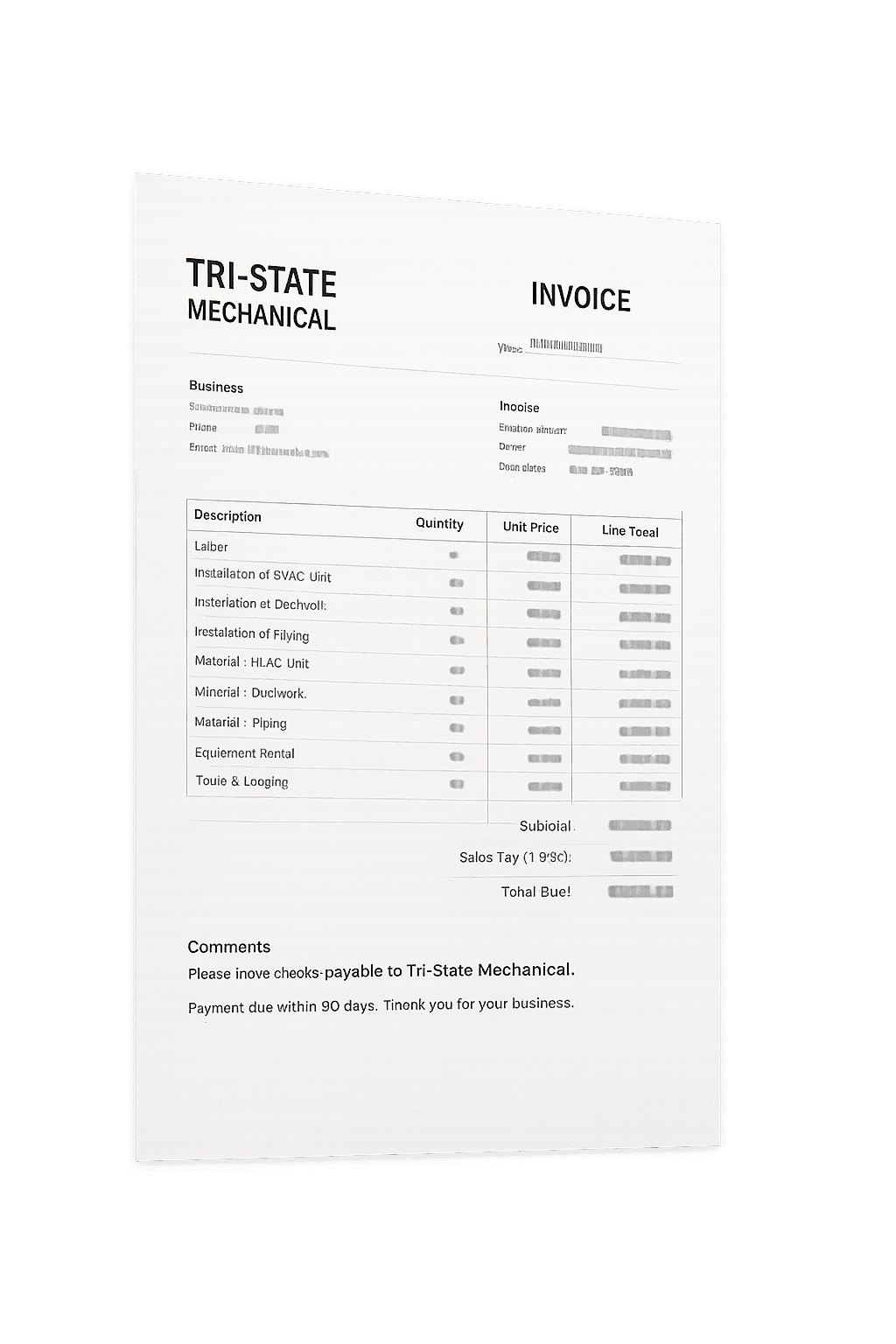
PaperPush is the AI-powered construction finance operating system. We extract invoices, match transactions, automate reconciliation, and give you real-time job cost visibility across every contractor workflow.
Trusted by leading contractors
Built for the way
construction
companies operate.
From the jobsite to the back office, PaperPush connects every financial touchpoint. Our AI understands construction finance so your team can focus on building.

| Invoice | Vendor | Job | Amount | Status |
|---|---|---|---|---|
| #24877 | Tri-State Mechanical | Riverside Office Build | $24,850.00 | Reviewing |
| #24876 | Summit Electric | Innovation Lab | $6,420.00 | Matched |
| #24875 | Online Rentals | Wexhner Apartments | $3,150.00 | Matched |
| #24880 | Build Supply Co. | City Center Renovation | $1,980.00 | Queued |
AI Extraction Engine
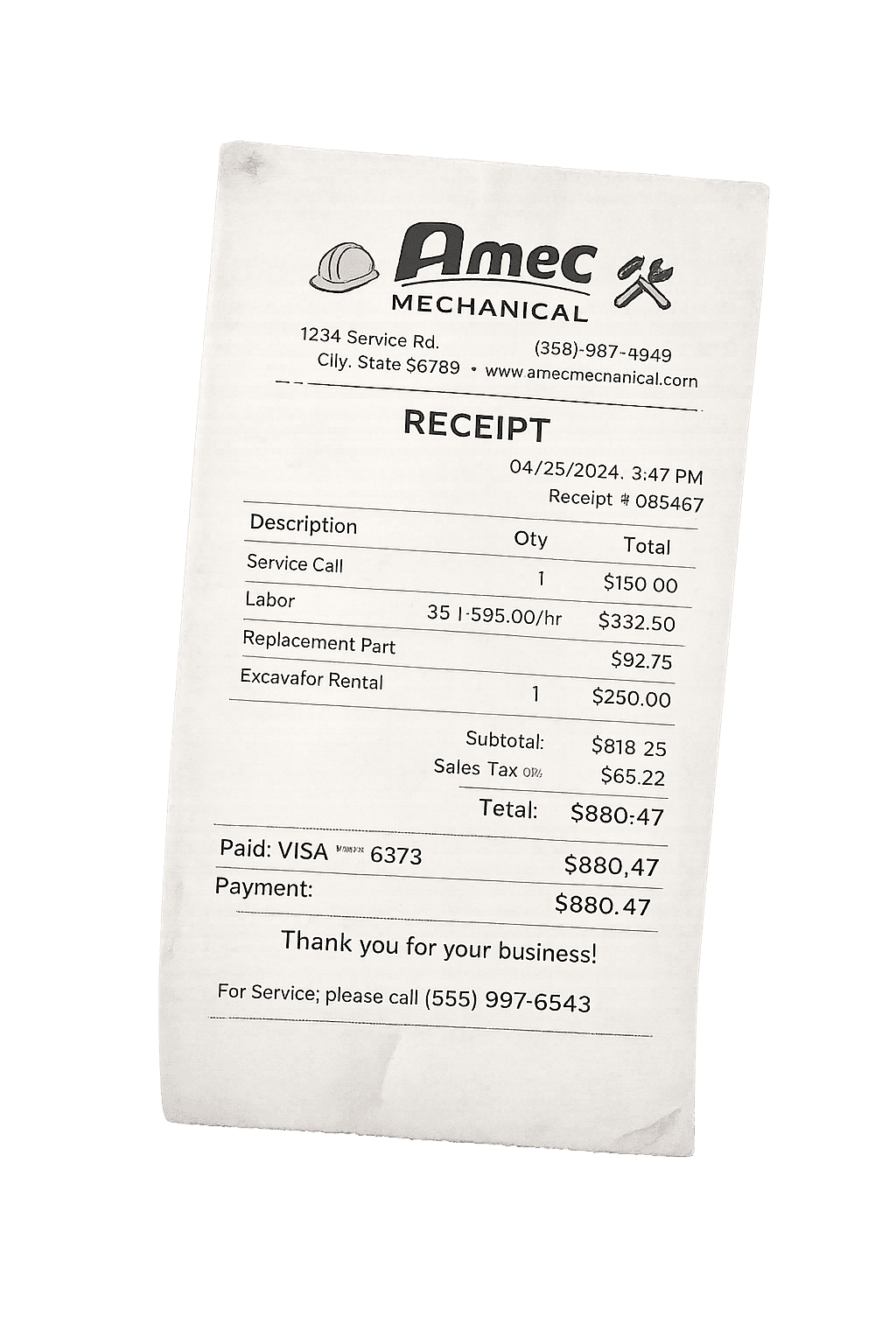
Extracts data from invoices, receipts, and documents with construction-grade accuracy. Understands line items, vendors, job codes, and tax requirements automatically.
- Invoices & line items
- Receipts & expenses
- Contracts & POs
- Change orders

Budget
$3,240,000
Cost to Date
$1,248,900
Committed
$2,015,400
Forecast
$3,150,200
Cost Breakdown
Job Costing Automation
Automatic job cost updates in real time. Track committed costs, actuals, budgets, and forecasts across every cost code and phase.
- Real-time cost tracking
- Budget vs actuals
- Commitments & change orders
- Forecast to complete

| Vendor | Invoice | Bank | Amount | |
|---|---|---|---|---|
| Tri-State Mechanical | #24877 | CHASE ••••4242 | $24,850.00 | Matched |
| Summit Electric | #24876 | CHASE ••••3343 | $6,420.00 | Matched |
| Online Rentals | #24875 | Boeing W&T | $3,150.00 | Pending |
| Build Supply Co. | #24880 | — | $1,980.00 | Exception |
Bank & Receipt Reconciliation
AI matches transactions across bank feeds, credit cards, invoices, and receipts—seamlessly.
- Transaction matching
- Duplicate detection
- Exception management
- Complete audit trail

Invoice #24877 · Tri-State Mechanical
$24,850.00
Riverside Office Build · 01-2000
Project Manager
Controller
Controller
Finance
CFO
Executive
Contractor Workflows
Automate AP, approvals, compliance, and document routing. Built for construction teams in the field and the office.
- AP automation
- Approvals & routing
- Vendor management
- Mobile capture

Profitability Overview
Gross Profit
$2,140,550
Margin
18.6%
Profitability Visibility
Know which jobs are profitable, at risk, or trending off track—before it impacts margins.
- Gross profit tracking
- Job performance insights
- Margin analysis
- Executive dashboards
| Time | Action | Detail | User |
|---|---|---|---|
| May 12 · 10:24 AM | Invoice extracted | Invoice #24877 | SJ Sarah Johnson |
| May 12 · 10:31 AM | Payment matched | CHASE ••••4242 | MC Michael Chen |
| May 12 · 10:33 AM | Job cost updated | Riverside Office Build | DR David Rodriguez |
| May 12 · 10:34 AM | Approval submitted | Invoice #24877 | SJ Sarah Johnson |
Audit Trail & Controls
Enterprise-grade security, permissions, and audit trails. Built for financial trust and compliance.
- Role-based permissions
- Full activity logs
- SOC 2 compliant
- Bank-grade encryption
Simple tiers that scale.
Start small. Upgrade when automation becomes addictive.